
Dashboard
Get to know the main display and features in Aksita.ai dashboard
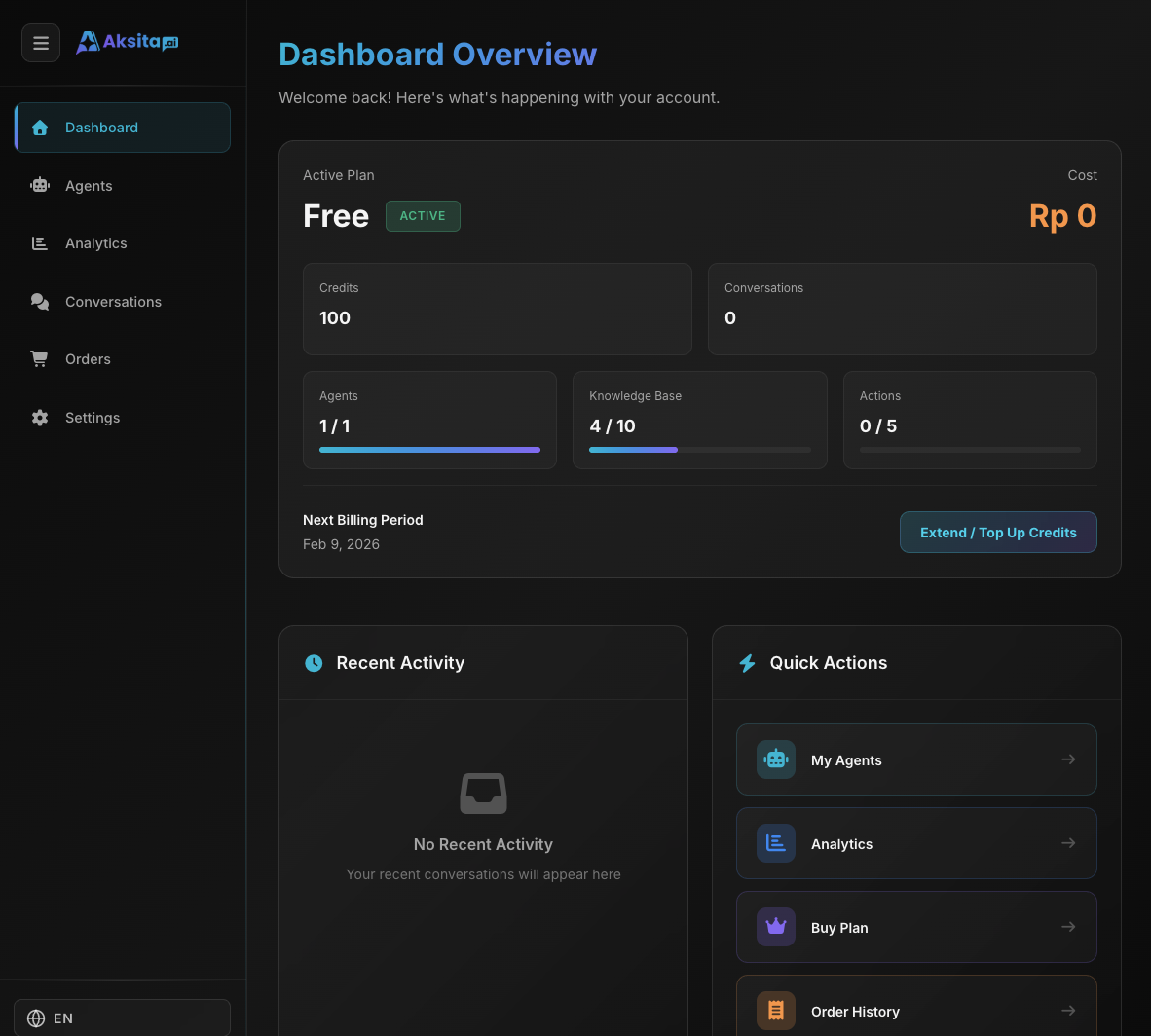
Screenshot: Dashboard
Screenshot: Dashboard
Dashboard
Dashboard is the main page displaying important summaries about your account and activities.
Information on Dashboard:
Available credits, used this month, and usage history
Total agents created and agent limit from your plan
Number of conversations in the last 30 days
Currently active plan and renewal date
Dashboard also displays agent activity graphs and usage statistics for the last 7 days.
Agents
Page to manage all your AI agents. Create, edit, and configure agents here.
What's Displayed:
Agent List
All created agents
Create Agent Button
Easily create new agent
Agent Status
Active or inactive
Quick Actions
Edit, delete, or duplicate
Analytics
Page to view statistics and analytics of your agent usage.
What's Displayed:
Chat Graph
Conversation trends per day/week
Credit Usage
Credits used per agent
Agent Performance
Which agents are most active
Statistics
Total users, messages, etc
Conversations
Page to view the history of all conversations between users and your agents.
What's Displayed:
Chat List
All conversations with filter
Message Details
View full conversation content
User Info
Email or user ID
Credits Used
How many credits per chat
Orders
Page to manage subscription plans and additional credit purchases.
What's Displayed:
Plan Options
Choose suitable plan
Buy Credits
Add credits anytime
Order History
View all transactions
Upgrade/Downgrade
Change plan anytime
Settings
Page to configure your account profile.
What's Displayed:
Name
Edit your account name
Account email (cannot be changed)
Password
Change account password
Delete Account
Permanently delete account
Tips for Using Dashboard:
- Dashboard shows summaries, use other menus for full details
- Credit balance is always visible in header for quick monitoring
- Use Conversations to understand your users' needs
- Check dashboard regularly to monitor agent health