
Conversations Page
Monitor and manage all your agent conversations - view history, analyze interactions, and track engagement
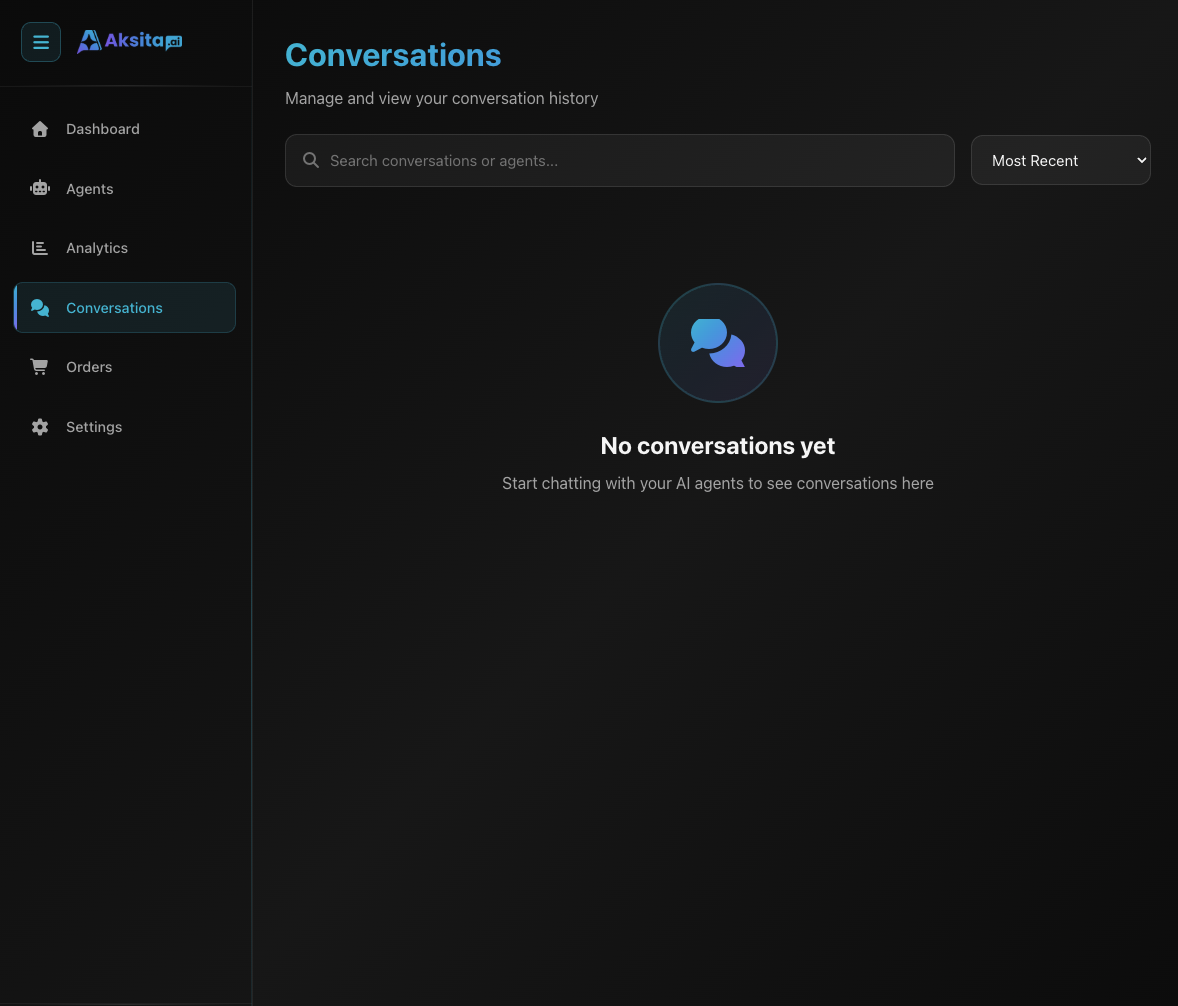
Screenshot: Dashboard Conversations
Screenshot: Dashboard Conversations
About Conversations
The Conversations page is the hub for viewing all conversations between users and your agents. You can monitor interactions, analyze frequently asked questions, and understand how users are engaging with your agents.
Key Features:
- Chat-Like Interface: Modern interface similar to chat messaging apps
- Conversation List: All conversations with timestamps
- Message History: Full transcript of each conversation
- Human Agent Indicators: See when human agent takes over conversation
- Filter: Filter conversations by agent
- Sort: Sort by recent, oldest, messages, or credits
- Delete: Delete conversation with confirmation
Chat-Like Redesign
The conversations page has been redesigned with a modern interface similar to chat messaging apps like WhatsApp. This new design makes navigation and reviewing conversations more intuitive:
Messages in bubbles with different colors for user and agent
Avatar and sender name on each message
Time displayed directly in bubble
Special badge for human agent messages
Conversation List
Each conversation is displayed in a list item containing important information:
Conversation Information
- • Title: Conversation title
- • Agent Name: Agent used in conversation
- • Updated At: Last activity time (relative time)
- • Message Count: Number of messages in conversation
- • Total Credits: Total credits consumed
Actions
- • Click Conversation: View details and messages
- • Delete Button: Delete conversation (with confirmation)
Viewing Messages
Click on a conversation to view the full transcript:
User Messages
Displayed on the right side with blue background
Contains questions or input from the user
AI Agent Responses
Displayed on the left side with gray background
Contains responses/answers from AI agent
Human Agent Responses
Displayed with special indicator to differentiate from AI
Timestamps
Each message has a timestamp displayed directly in the bubble for tracking interaction time
Takeover Notifications:
Special notification messages displayed when human agent takes over conversation from AI.
Handover Notifications:
Notification messages when conversation is handed back to AI or transferred to another agent.
System Messages: System messages (like action confirmations, takeover/handover notifications) are displayed with a different style to differentiate from user/agent messages.
Filter & Sort
Filter Conversations
Filter conversations by agent:
- • Select agent from dropdown filter
- • Filter will show only conversations from selected agent
- • Select "All Agents" to show all conversations
Sort Options
Sort conversations with these options:
Pagination
Conversations are displayed per page (20 conversations per page) with prev/next navigation
Use Cases
Question Analysis
Review conversations to identify frequently asked questions and improve your knowledge base.
Training Data
Use real conversations as training data to improve agent responses and behavior.
Debugging
If users report issues, check conversation history to reproduce and fix problems.
Compliance
Maintain conversation logs for compliance requirements or dispute resolution.
Monitoring Tips
Regular Review
Review conversations regularly for quality control and improvement.
Pattern Analysis
Identify patterns in questions to optimize knowledge base.
Feedback Loop
Use insights from conversations to improve agent configuration.
Privacy
Respect user privacy - don't share conversations without permission.