
Getting Started
How to Login to Aksita.ai Dashboard
Complete guide to access your Aksita.ai account
1
Open Login Page
Visit the Aksita.ai login page by clicking the "Login" button on the main page or go directly to https://aksita.ai/auth/login
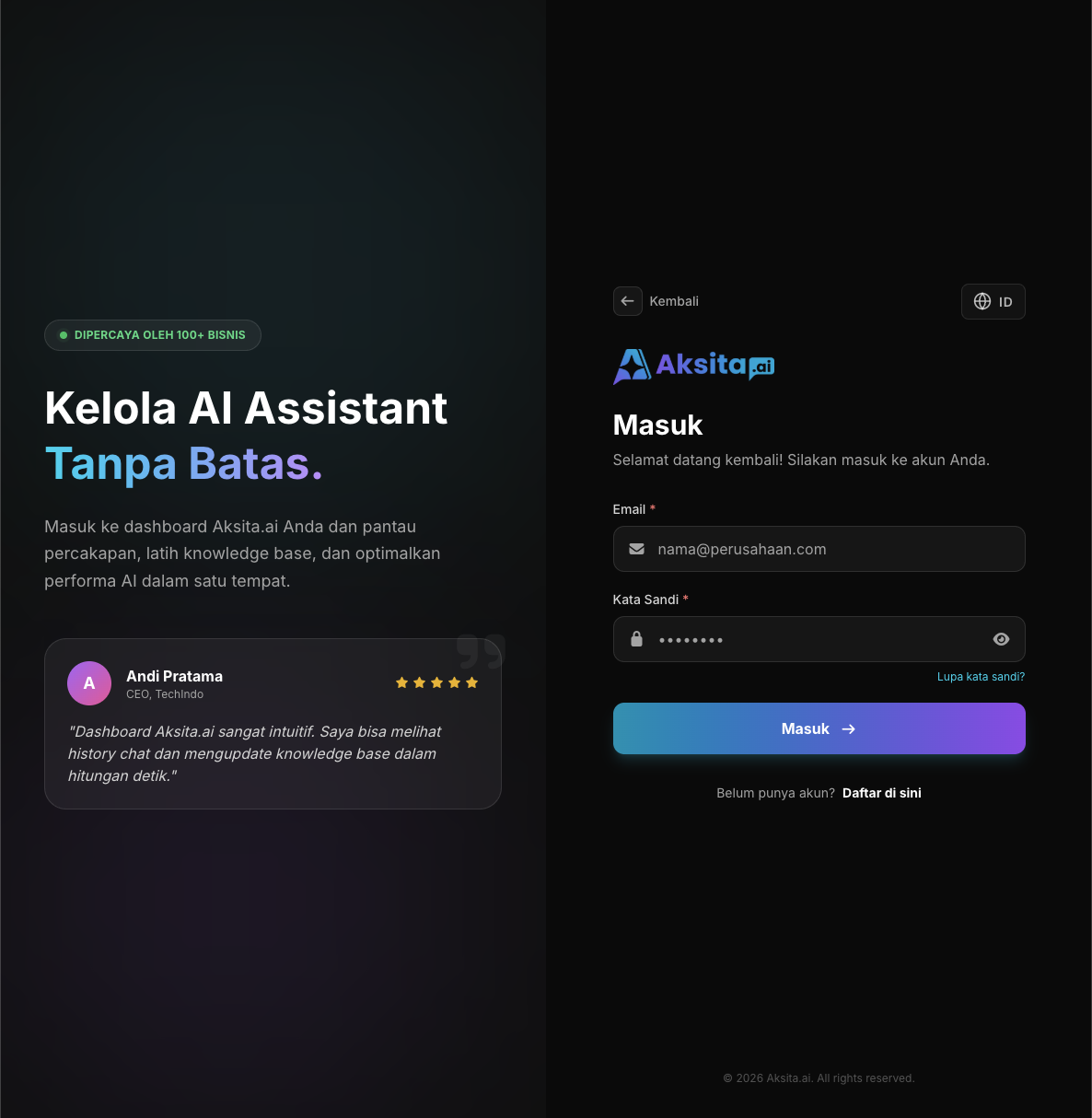
Screenshot: Login Page
Screenshot: Login Page
2
Enter Email and Password
Enter the email address and password you used when registering. Make sure the email and password you enter are correct.
- Email: Valid email address that will be used for login
- Password: Strong password (minimum 8 characters)
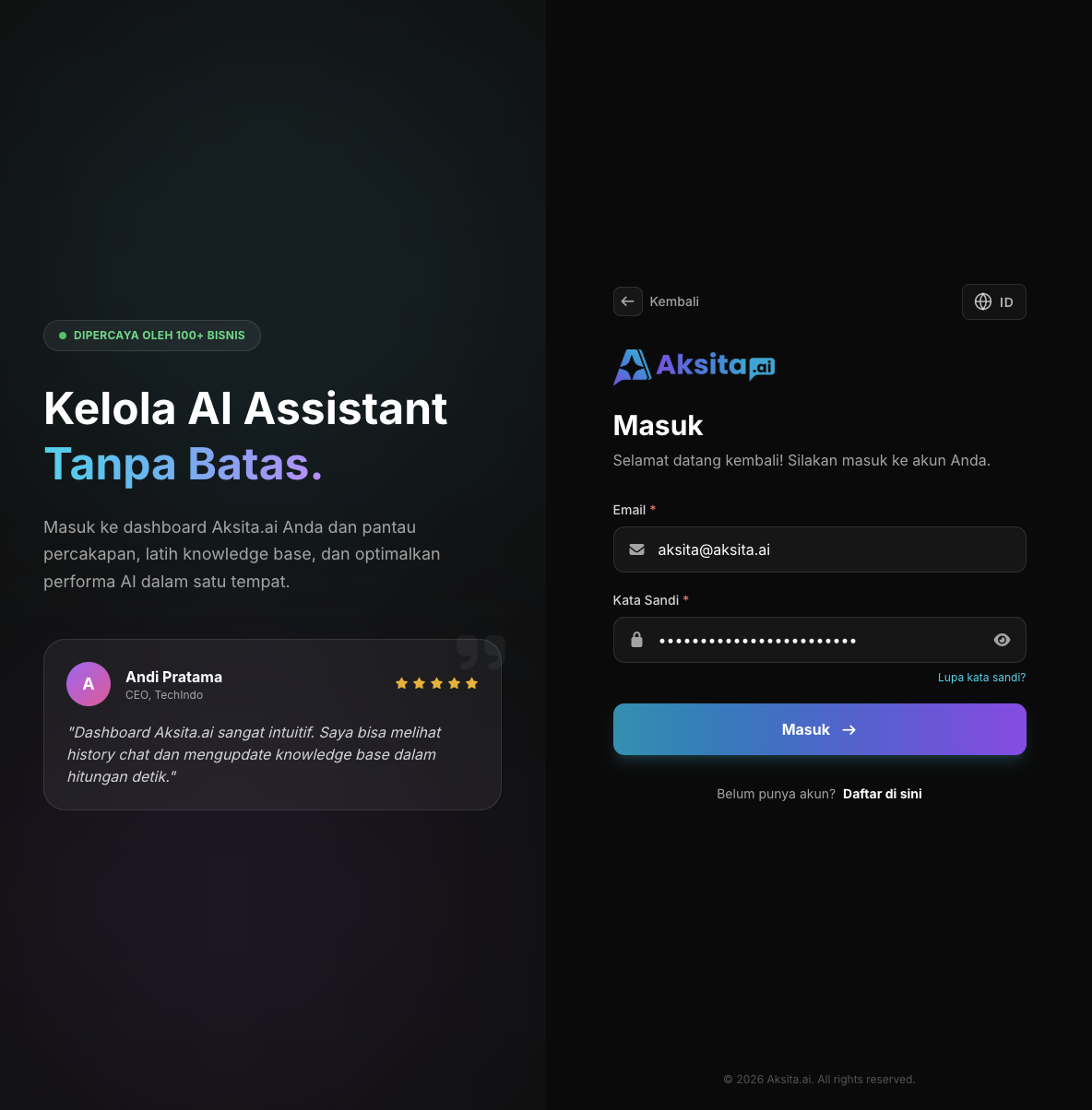
Screenshot: Filled Login Form
Screenshot: Filled Login Form
3
Click Login Button
After email and password are filled correctly, click the "Login" button to access your dashboard.
Login Successful!
You will be redirected to the Aksita.ai dashboard where you can manage AI agents, view conversations, and access all features.
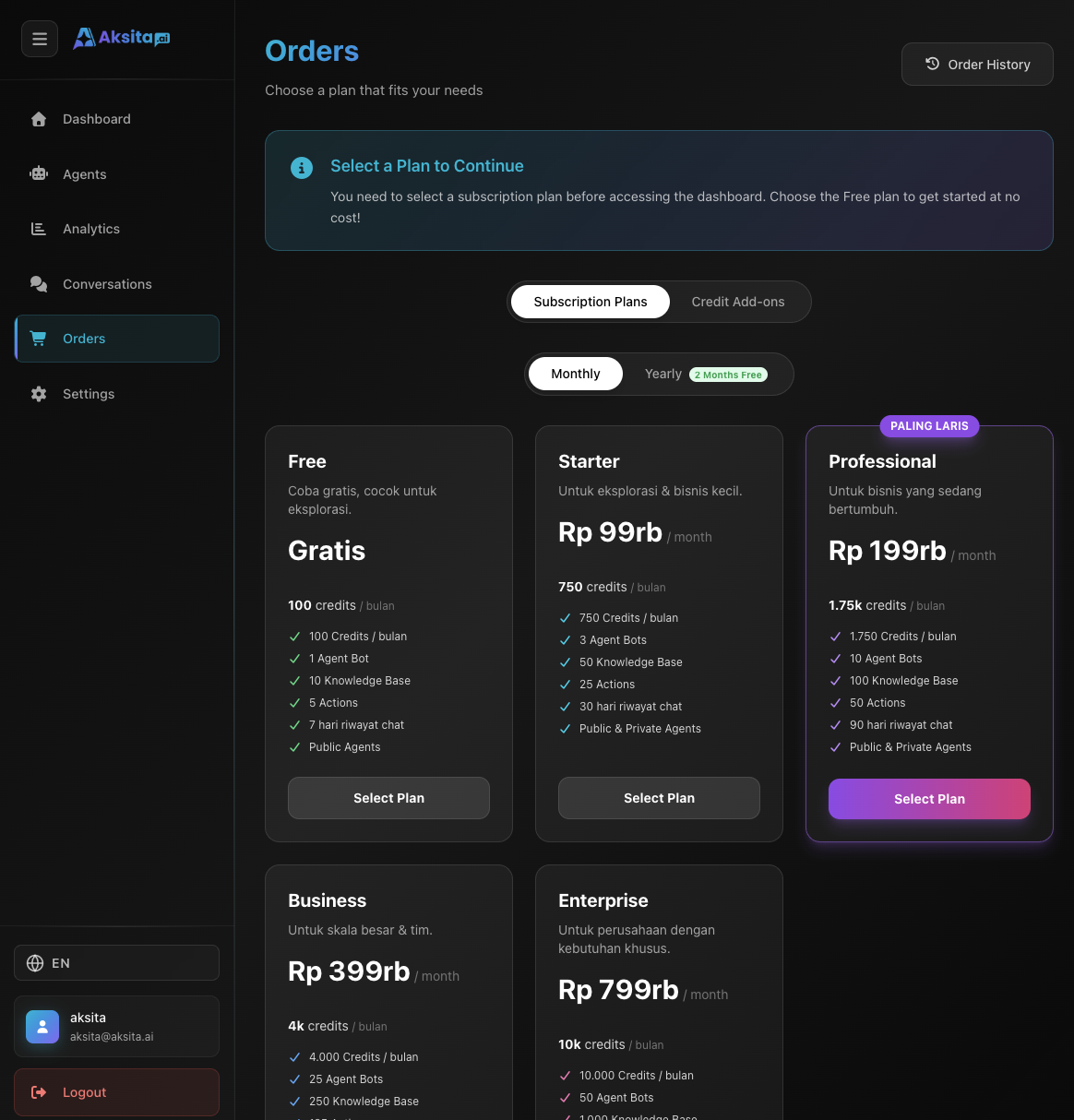
Screenshot: Dashboard After Login
Screenshot: Dashboard After Login
Tips & Tricks
- If you forgot your password, click the "Forgot password?" link below the login form
- Make sure your browser allows cookies for smooth login
- For security, do not login on public computers or public WiFi networks