
Managing Resources
Learn how to add and manage Knowledge Bases and Actions for your agent
What are Resources?
Resources are components that give your agent capabilities. There are 2 types of resources:
Knowledge Base
Data and information that the agent can use to answer questions
Actions
Ability to perform actions like calling external APIs
Resources Page
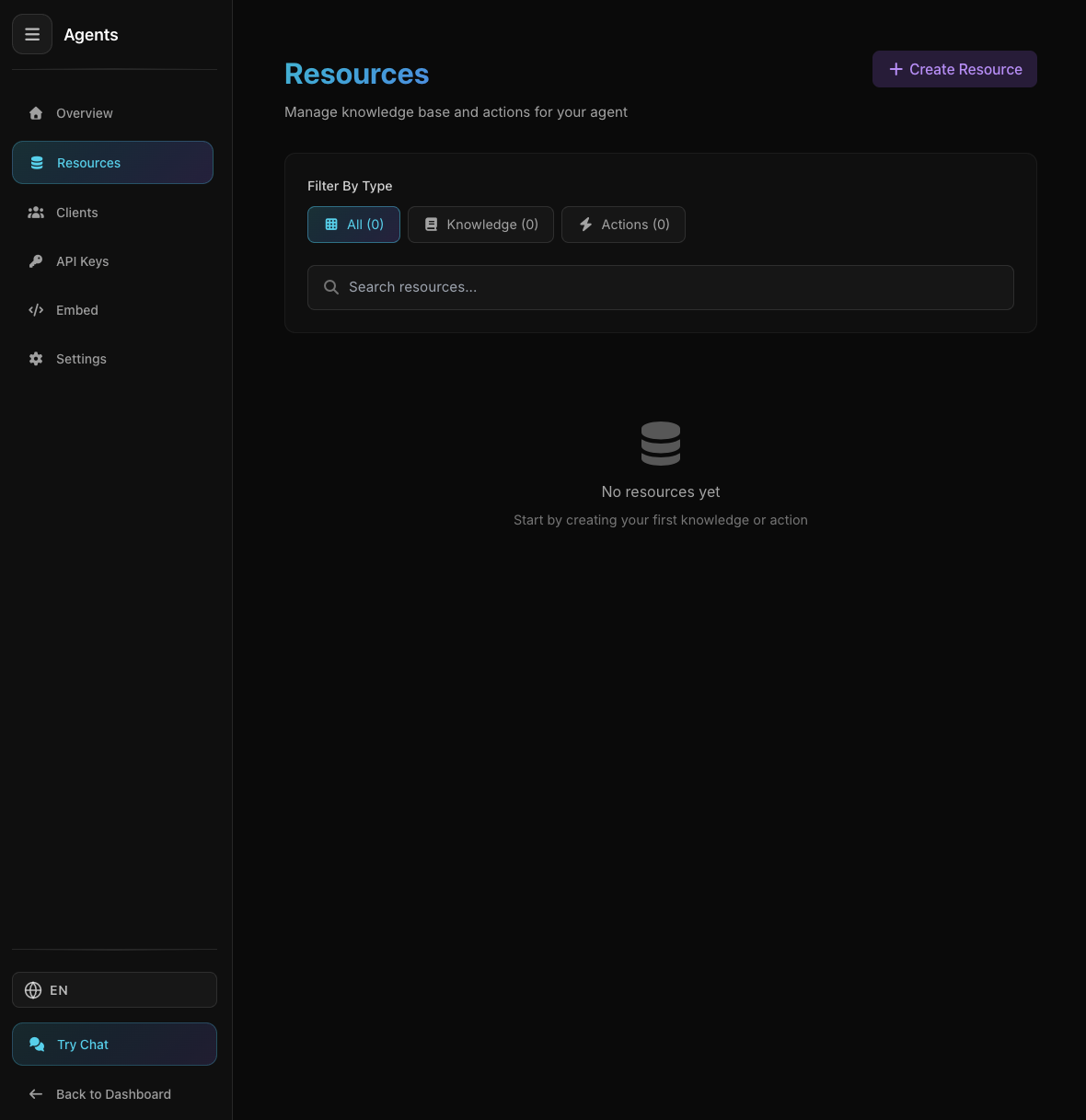
Resources Page with Knowledge Base and Actions
Resources Page with Knowledge Base and Actions
The Resources page displays all Knowledge Bases and Actions you have added to the agent.
Resources Page Features:
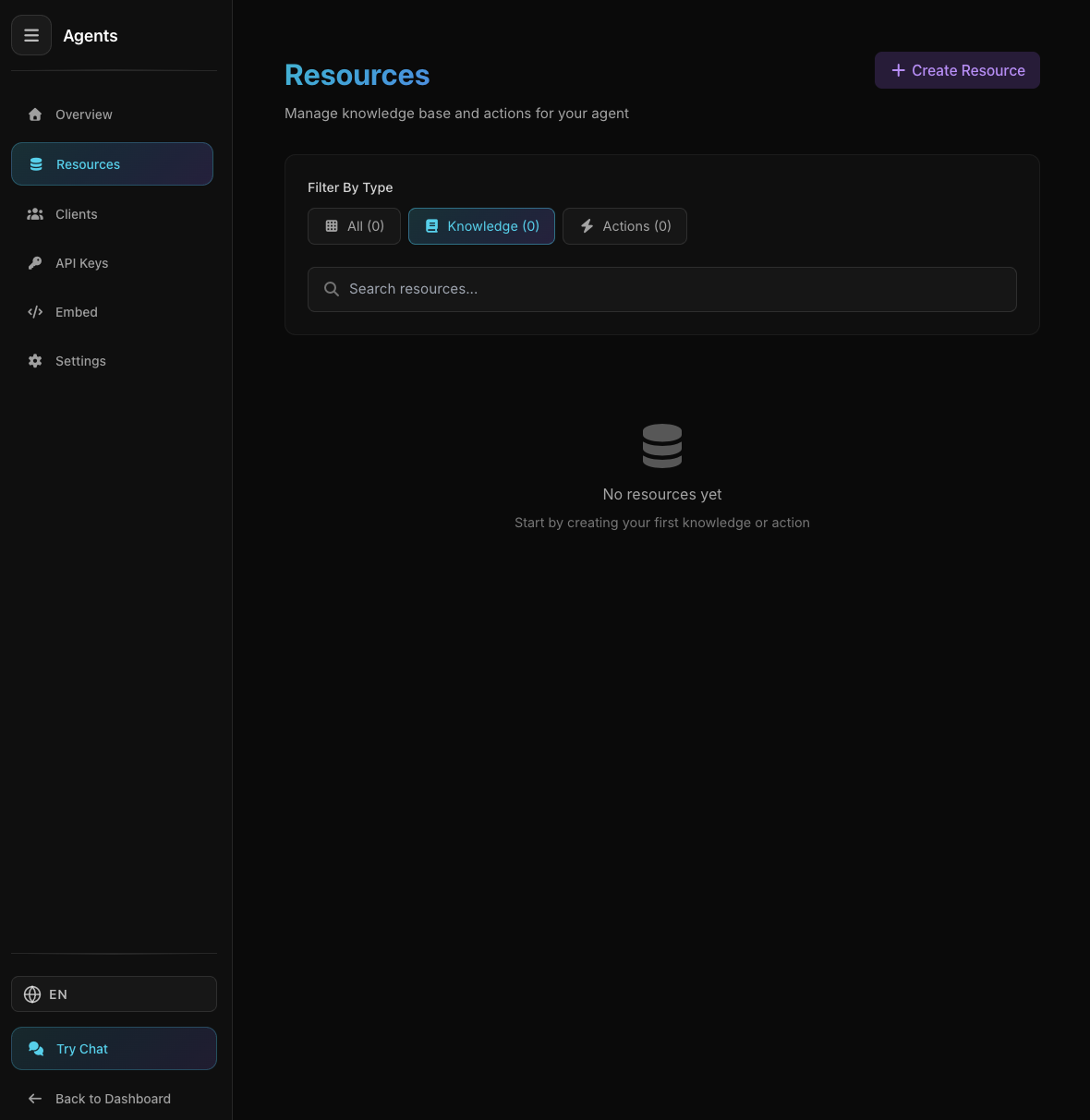
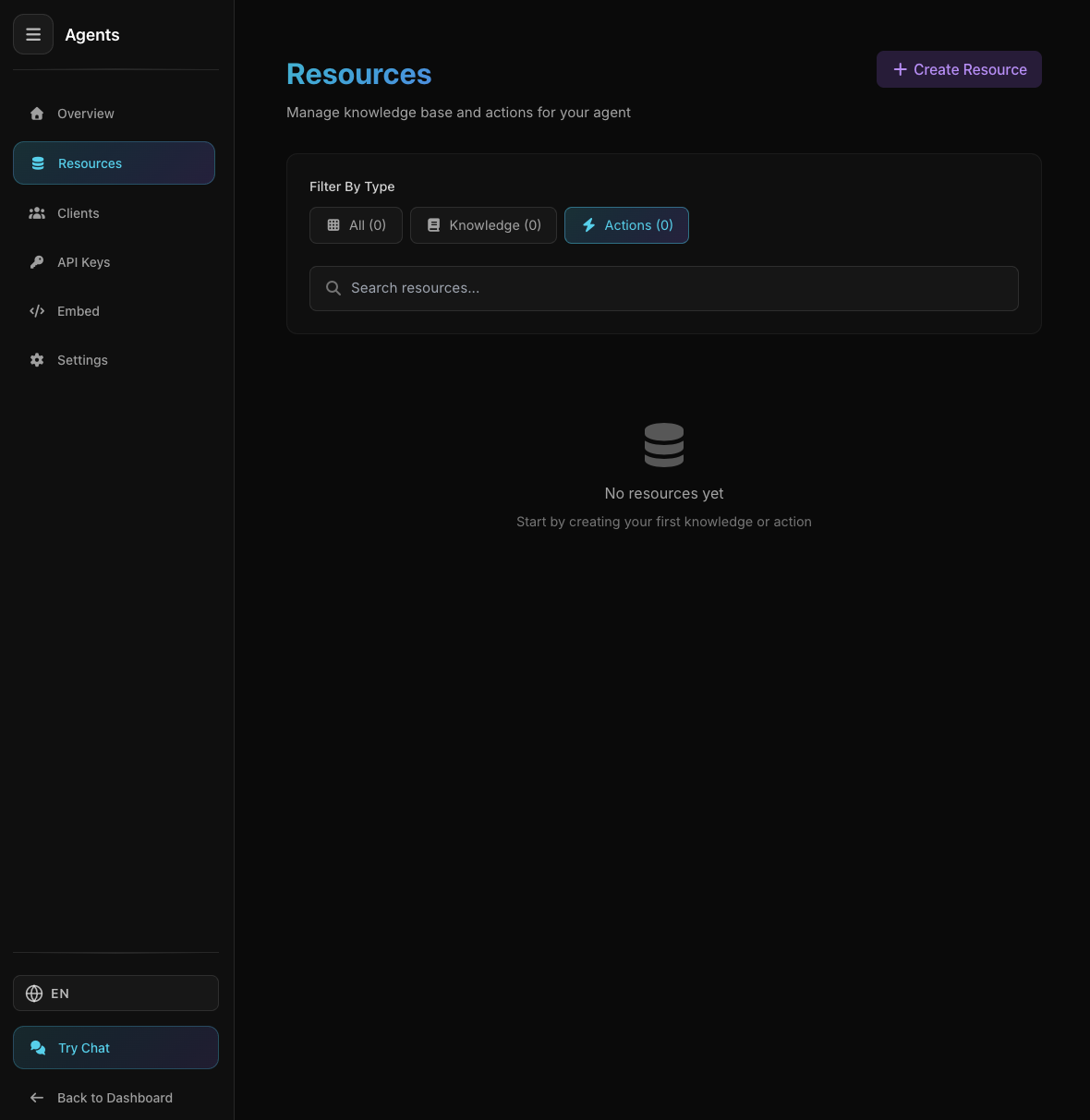
- • Filter by type (All, Knowledge, Actions)
- • Search resources
- • Training status (for Knowledge Bases)
- • Pagination for many resources
Creating Knowledge Base
Select the Knowledge Base type to create
Select the Knowledge Base type to create
Click the "Create Resource" button to add a new Knowledge Base.
Knowledge Base Types:
Direct text input. Suitable for FAQs, product information, or data you already have.
Fetch content from a single web page. Agent will read and learn the page content.
Fetch data from API endpoint. Useful for dynamic data that changes frequently.
Fetch multiple URLs from sitemap.xml. Suitable for documentation or blogs.
Crawl entire website. Agent will read all pages found.
Upload documents (PDF, TXT, DOCX, etc). Agent will read the document content.
Creating Actions
Select the Action type to create
Select the Action type to create
Click the "Actions" tab in the Create Resource modal to add an action.
Action Types:
Call external API to perform actions (GET, POST, PUT, DELETE).
Example uses:
- • Send email
- • Create support ticket
- • Update database
- • Trigger webhook
Managing Resources
Each resource card displays information and actions you can perform.
Resource Information:
Resource name and type (Knowledge/Action)
Training status (Pending, Training, Ready, Failed)
Date resource was created
Resource Actions:
Modify resource configuration
Retry training if failed
Delete resource permanently
Training Status
Knowledge Bases need to be processed (trained) before they can be used by the agent.
Waiting to be processed
Being processed
Ready to use
Failed to process (click Retry)
Deleting Resource
When you delete a resource, here's what happens:
Cannot be recovered
Information from resource no longer available
Old conversations are not deleted
Tips & Best Practices
For testing, use Manual knowledge base first
Descriptive resource names make management easier
Update knowledge bases when information changes
Ensure all resources are in "Ready" status
Previous
Overview
Agent information