
How to Reset Password
Complete guide to reset your Aksita.ai account password
Click "Forgot Password" Link
On the login page, click the "Forgot password?" link located below the login form.
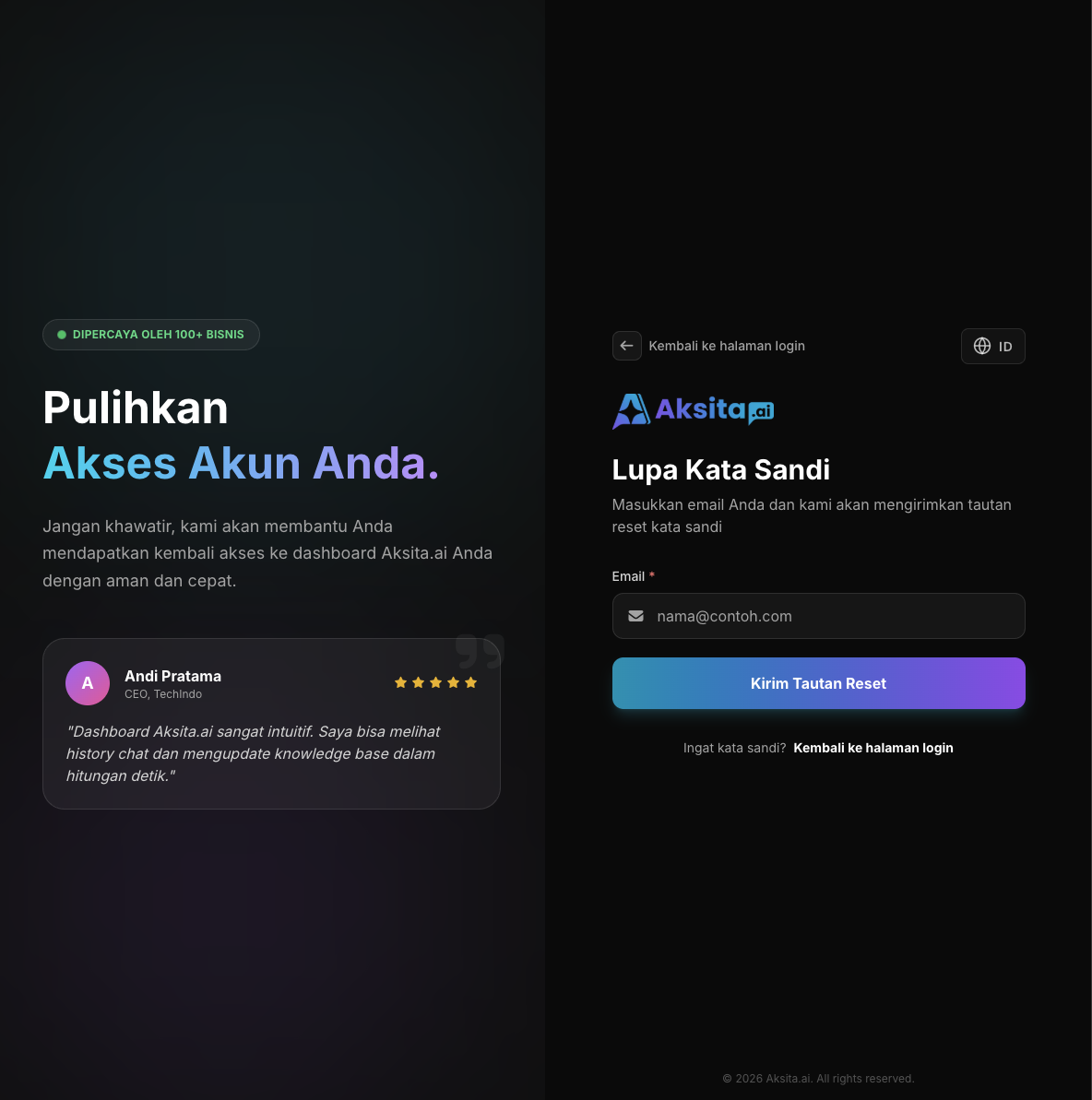
Screenshot: Forgot Password Link
Screenshot: Forgot Password Link
Enter Your Email
Enter the email address registered with your Aksita.ai account. Make sure the email you enter is correct.
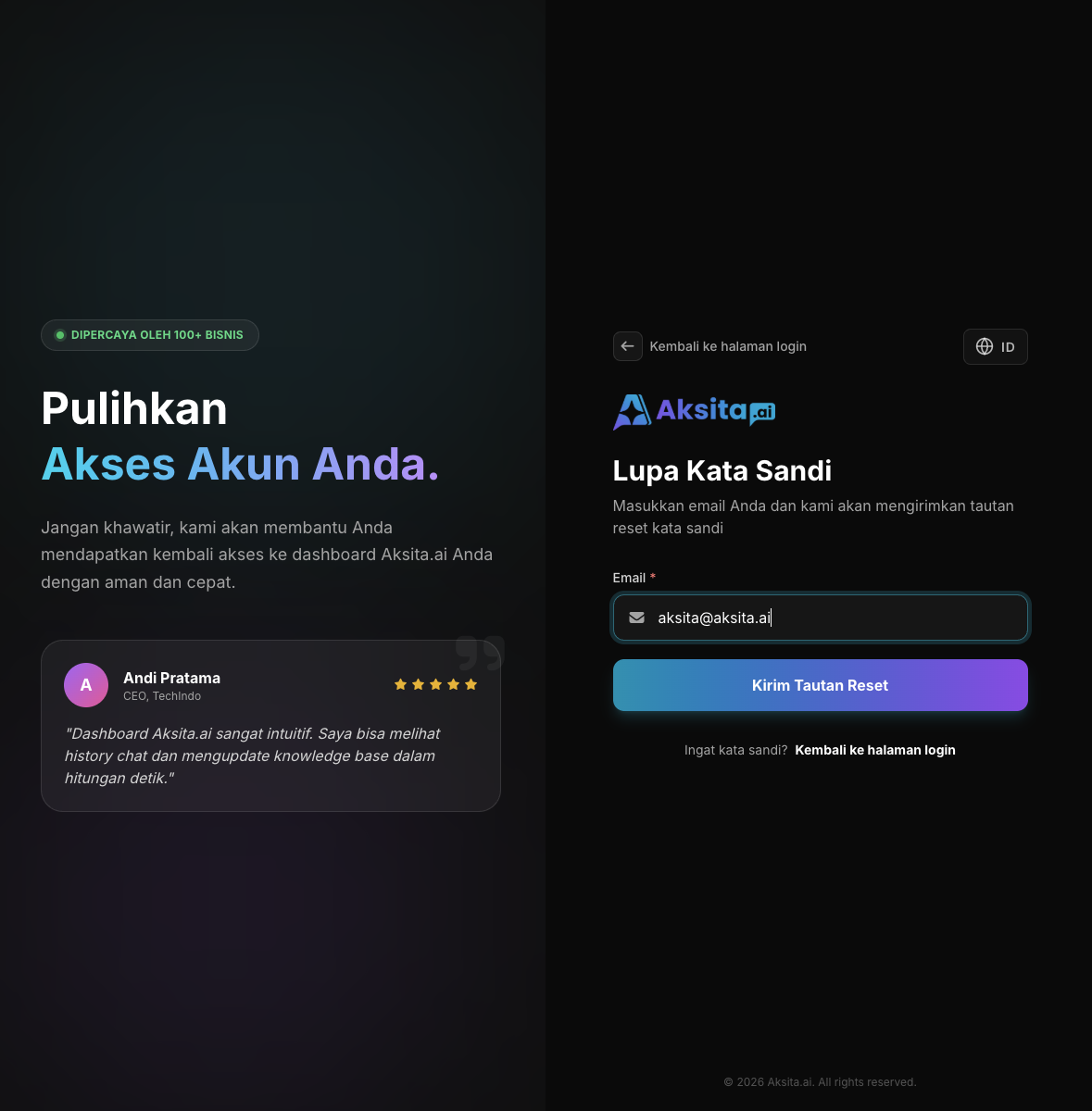
Screenshot: Forgot Password Form
Screenshot: Forgot Password Form
Click Send Button
Click the "Send Reset Link" button to receive a password reset email in your inbox.
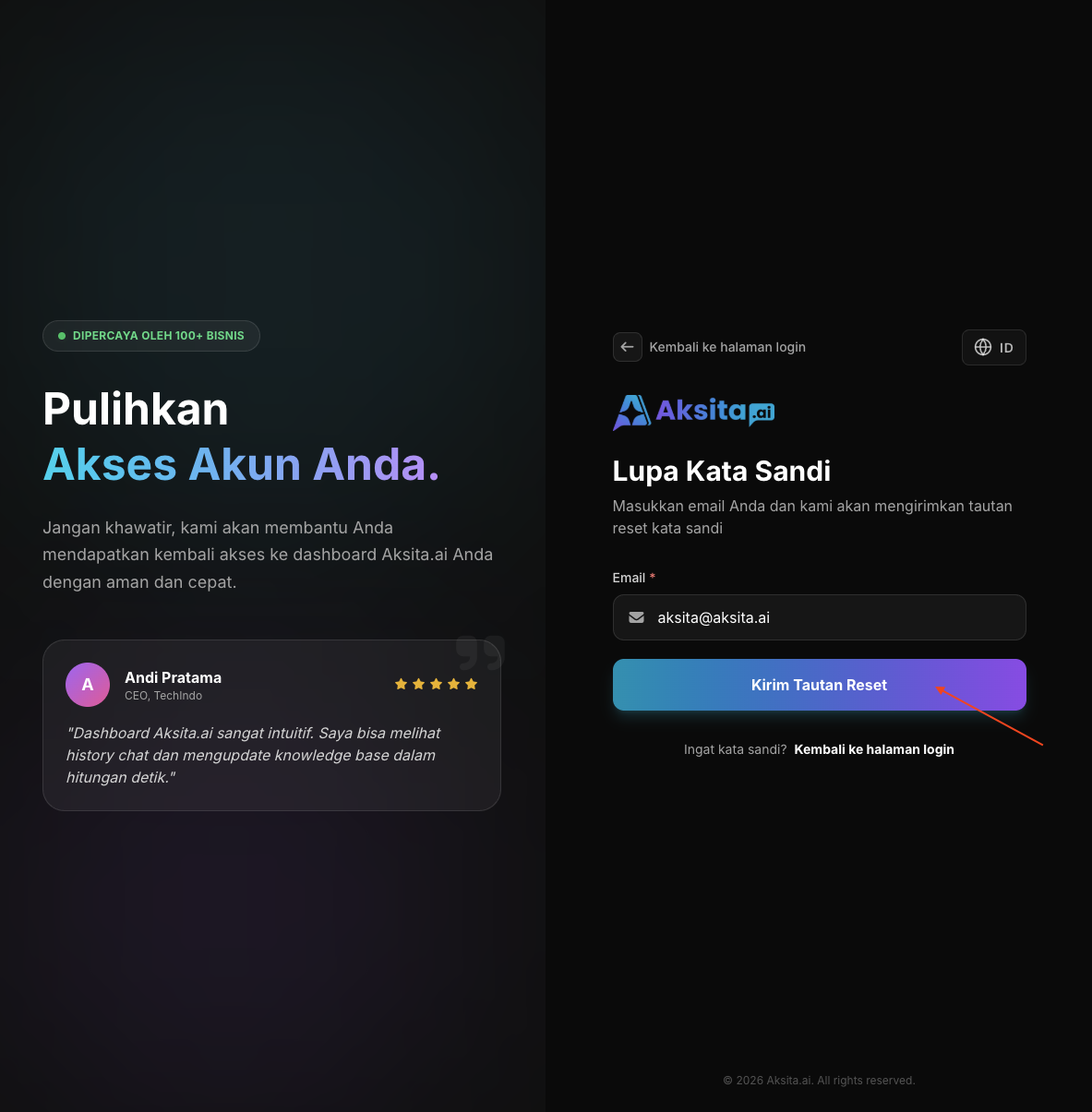
Screenshot: Email Sent Confirmation
Screenshot: Email Sent Confirmation
Check Your Email
Open your email and look for an email from Aksita.ai with the subject "Reset Password". Click the link in that email to continue the reset process.
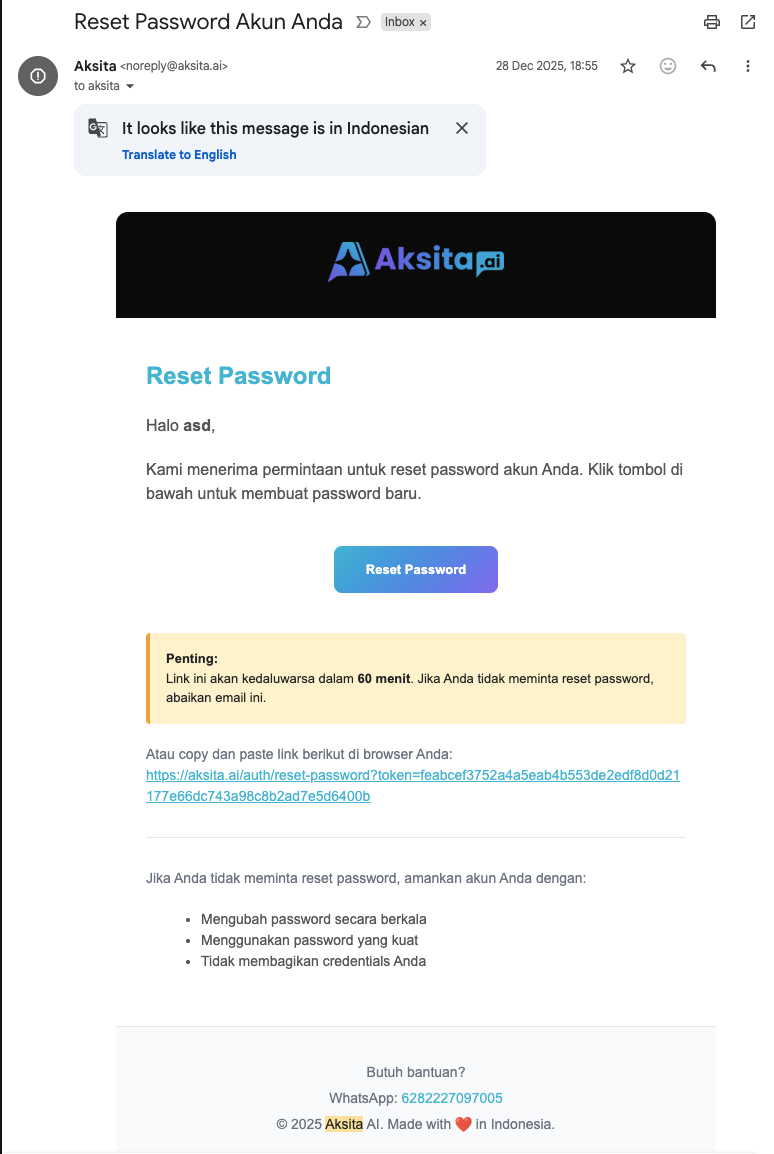
Screenshot: Reset Email
Screenshot: Reset Email
Create New Password
Enter your new password (minimum 8 characters) and confirm the password. Click "Reset Password" to complete the process.
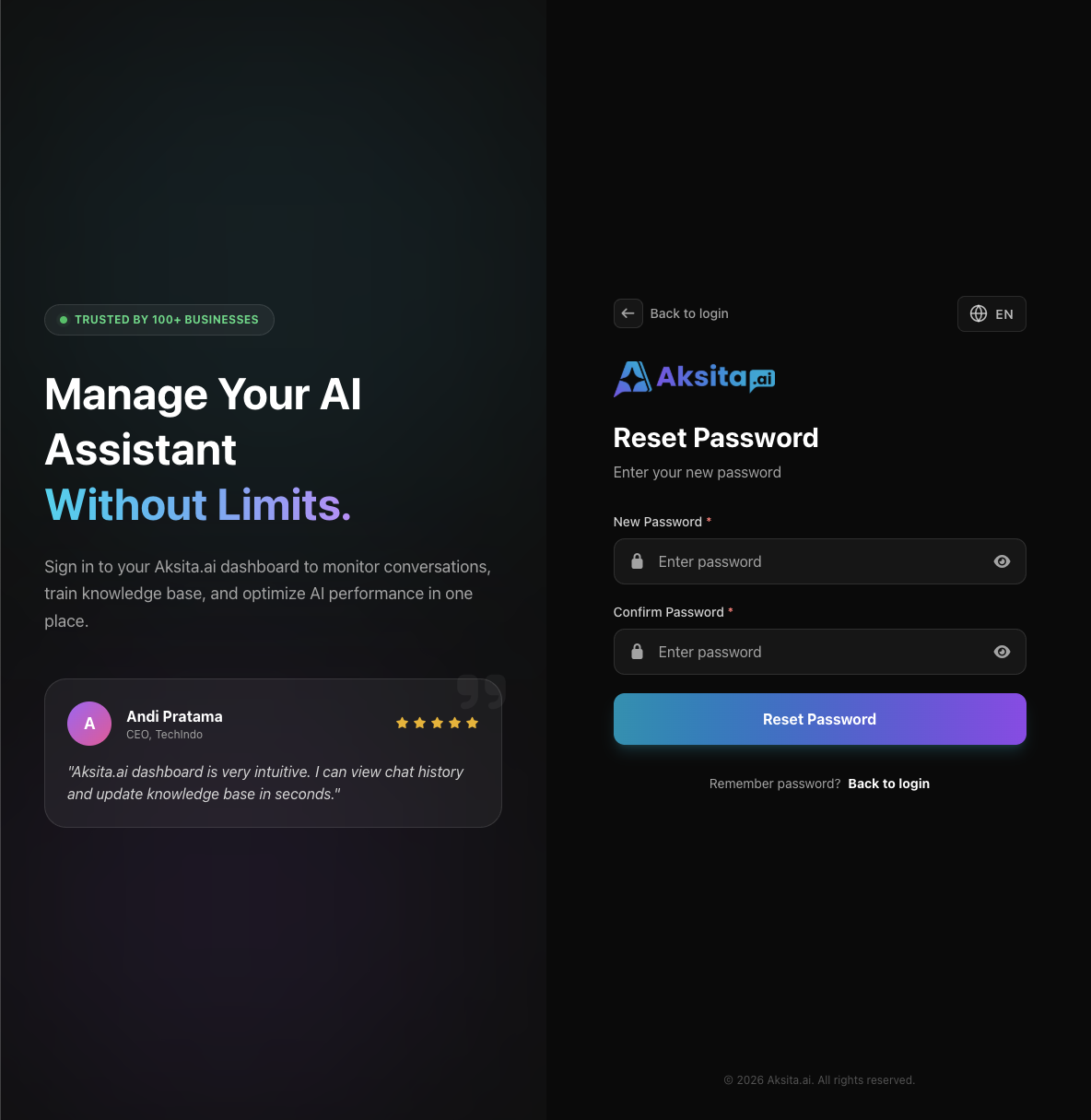
Screenshot: Reset Password Form
Screenshot: Reset Password Form
Password Reset Successful!
Your password has been successfully reset. Please login with your new password.
Important Note
- Password reset link is only valid for 1 hour. After that, you must request a new link.
- If you do not receive an email within 5 minutes, check your spam/junk folder.
- For security, you must login again after successfully resetting your password.