
Getting Started
How to Register an Aksita.ai Account
Complete guide to create a new Aksita.ai account in minutes
1
Open Registration Page
Visit the Aksita.ai registration page by clicking the "Register" button on the main page or go directly to https://aksita.ai/auth/register
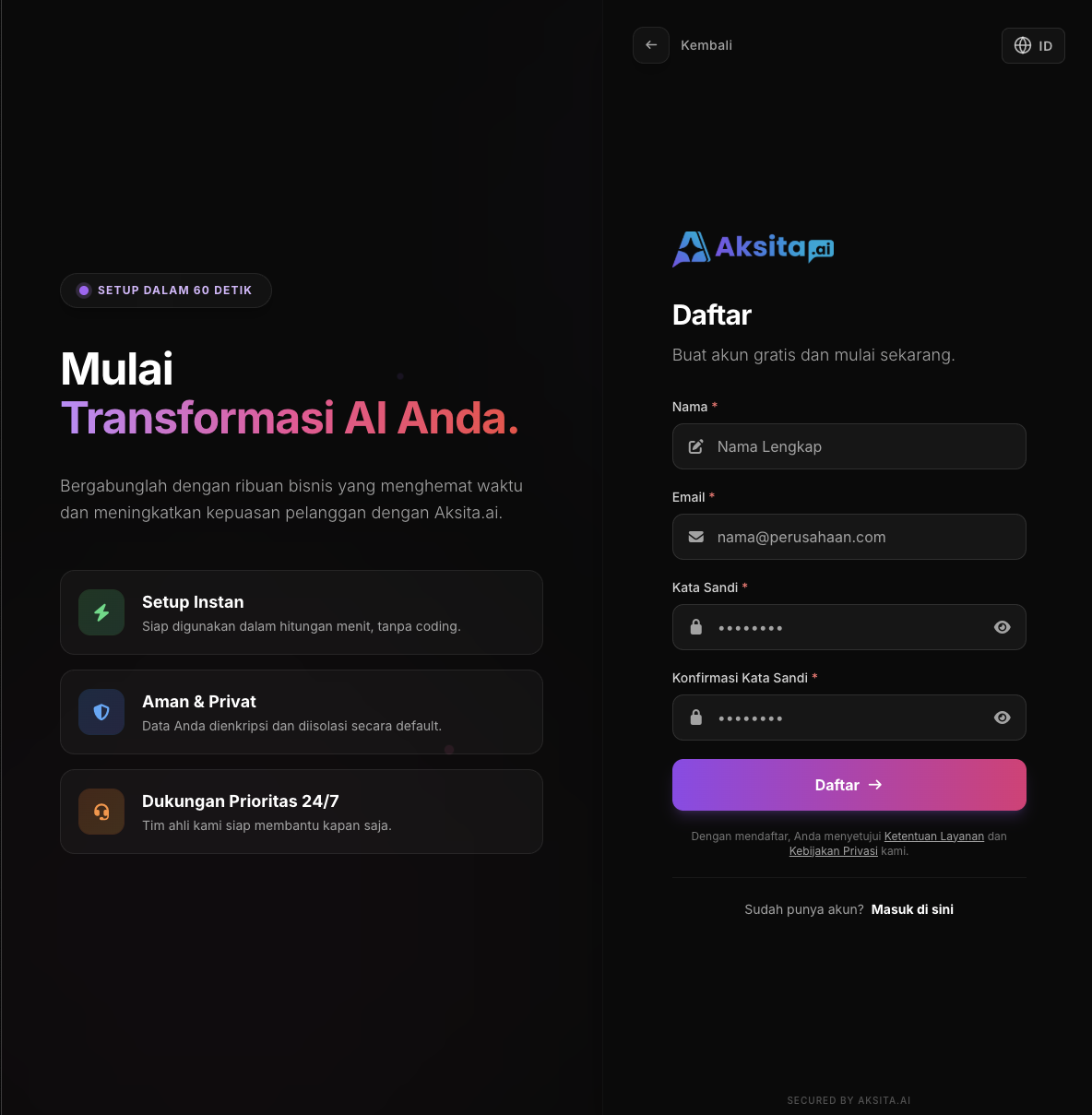
Screenshot: Register Page
Screenshot: Register Page
Registration page with complete registration form
2
Fill Registration Form
Complete all required fields with valid information. Make sure all data you enter is correct.
- Name: Your full name (minimum 2 characters)
- Email: Valid email address that will be used for login
- Password: Strong password (minimum 8 characters)
- Confirm Password: Password confirmation must match the password
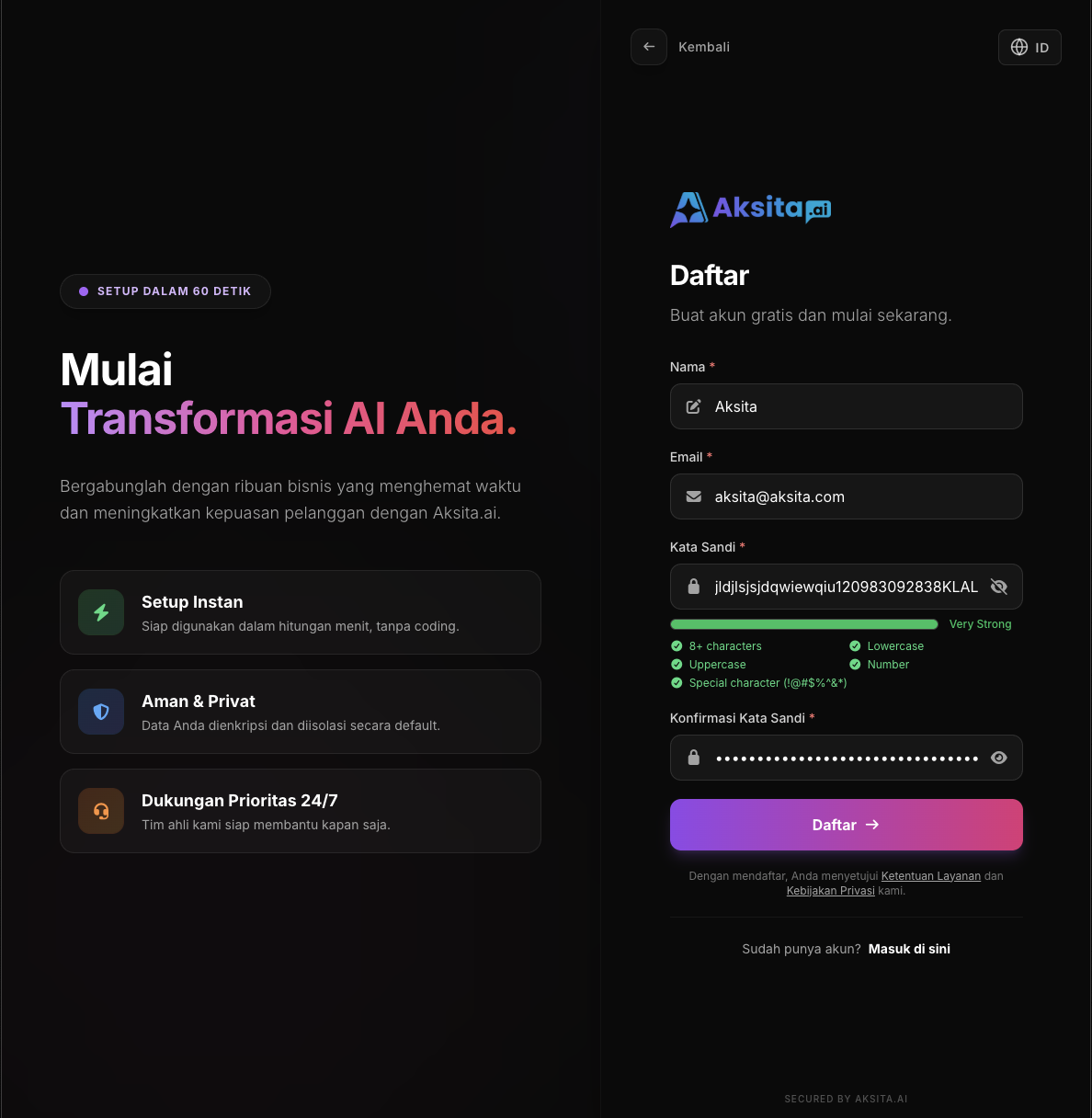
Screenshot: Filled Registration Form
Screenshot: Filled Registration Form
3
Click Register Button
After all fields are filled correctly and there are no validation errors, click the "Register" button to create your account.
Registration Successful!
Your account has been successfully created. You will be redirected to the login page to access the Aksita.ai dashboard.
Tips & Tricks
- Use a valid and active email address to receive important notifications
- Create a strong password with a combination of uppercase, lowercase, numbers, and symbols
- Save your login credentials in a secure place, such as a password manager